
How to tell how many leads you lost by taking too long to respond
If your company only records closed sales, you'll never know what happened to the messages that got an answer too late.
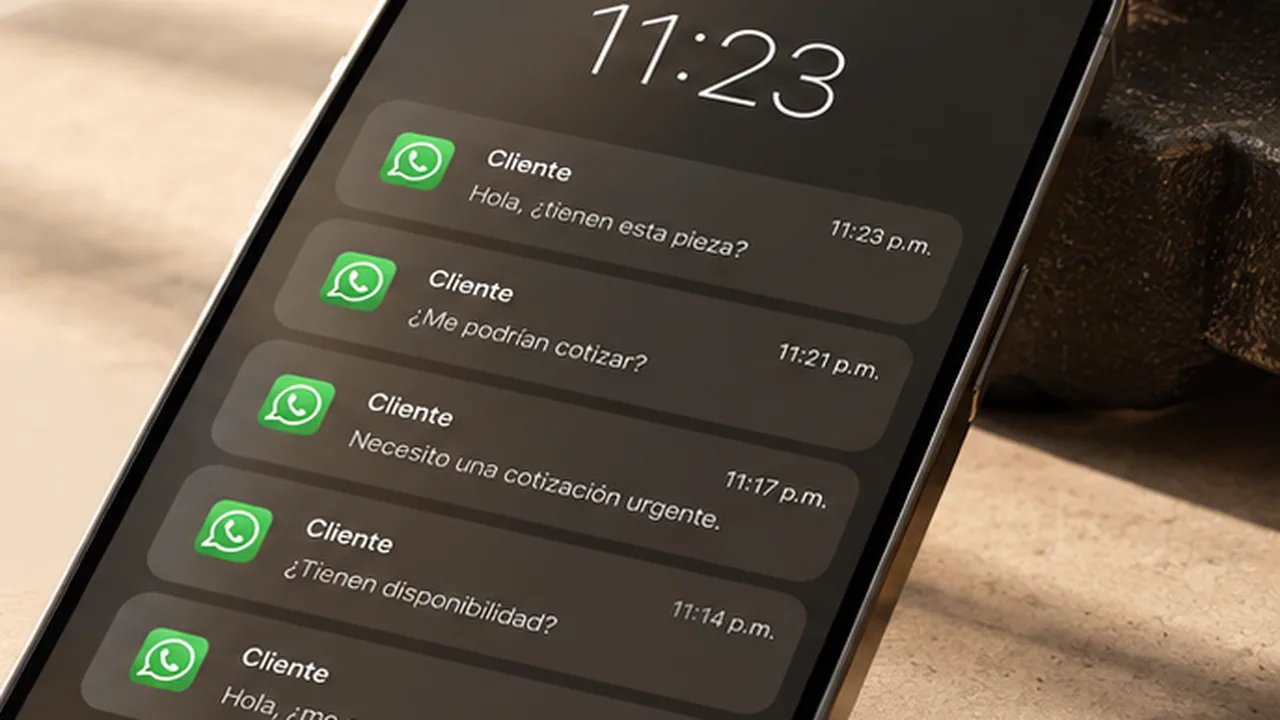
To know how many leads you lose by responding late, connect three data points: when the request came in, when it received a useful response and what happened to the opportunity. Only then can you separate confirmed losses from opportunities that stopped moving for an unknown reason.
A customer writes: "Do you have this part? I need a quote." The message arrives while the team is handling other requests. Someone has to identify the product, check the price and confirm availability. By the time the information goes out, the customer no longer replies.
Did they buy from another supplier? Did they stop needing the part? Did the answer come too late?
An unanswered message doesn't prove a lost sale
Customer silence is a signal to investigate, not proof that delay caused the loss. There could be price differences, no availability, a product that doesn't meet the request or a postponed purchase. So it helps to separate two groups:
- Confirmed losses from delay: the customer says they bought elsewhere because they needed an answer sooner.
- At-risk opportunities associated with a late response: they were answered outside your target time and then stopped moving, but the reason wasn't confirmed.
This distinction keeps a suspicion from becoming a number presented as fact.
1. Define what counts as a lead
At an industrial distributor, a lead can be a contact asking for a product, a quote or advice on a possible purchase. An invoice request or a support question about an existing order shouldn't be in the same group.
Five messages from one person about one purchase also aren't five leads. Identify the contact and record each opportunity without duplicating it across text, email and calls.
2. Measure the first useful response
A useful response can be a question to identify the part, confirmation that a reference is being reviewed or a concrete proposal. Record two times separately:
- Time to first useful response = date and time of that response − date and time the request came in.
- Time to quote = date and time the proposal was sent − date and time the request came in.
This shows whether the wait happens before the customer is attended or while the quote is being prepared.
Keep both elapsed time and time within business hours. A request that arrives Friday night can look quickly handled on Monday in business hours, even though the customer waited all weekend.
3. Decide when a response counts as late
Not all requests are equally urgent. A spare part for a stopped machine and a proposal for a future project need different criteria.
Set a target time by request type and the coverage your company offers, then apply it to all comparable opportunities. The goal is to answer how many requests were handled within the committed time and how many fell outside it.
4. Record what happened next
Your commercial history should let you reconstruct the opportunity without relying on a rep's memory. If the customer stops replying, record "no response" or "unknown reason." If they confirm they bought elsewhere because of the wait, record that cause with their comment.
A short question can help: "To improve our service, did our response arrive in time, or had you already solved the purchase?"
5. Compare response speed and results
With consistent records, group opportunities by response time and compare what share ended in a sale. Compare requests from the same period, with similar characteristics and enough time to complete their sales cycle. Mixing urgent spare parts with multi-month projects can lead to wrong conclusions.
Also review differences in channel, availability, customer type and arrival time. If leads answered late convert less, you've found an association worth investigating, not proof that delay explains the whole difference.
An example: what you can claim and what you still don't know
Imagine a company reviews 200 opportunities from a closed period. The following figures are hypothetical and only illustrate the method.
| Group | Opportunities |
|---|---|
| Analyzed in the period | 200 |
| First useful response outside the target time | 60 |
| Of those, did not move forward after follow-up | 18 |
| Loss confirmed as caused by delay | 5 |
| No progress and unknown reason | 13 |
It wouldn't be correct to claim all 18 were lost by responding late, or that the 60 answered late were guaranteed sales. The confirmed share would be 5 ÷ 200 × 100 = 2.5%. That number represents confirmed losses for that reason in the period, and it can't tell you how many more are hidden among the cases without information.
How to test whether faster service improves results
You can adjust message assignment, name owners for urgent requests or connect product and price lookups to your company's systems. Then compare equivalent periods or comparable groups.
Review time to first useful response, progress to quote and conversion to sale, while accounting for changes in pricing, campaigns, availability and customer mix. If waiting drops and results improve consistently, you'll have stronger evidence for your decisions.
Where can Peaking help?
In industrial distribution, responding usually takes more than reading a message: you have to understand how the customer asks for a part, identify the right reference and look up commercial information.
Peaking connects conversations with your company's systems to support product identification and quote preparation, depending on the integrations and rules configured. To measure losses from delay, that operation still needs consistent records of times, results and reasons.
Read nextFive changes to respond faster without hiring more people.
Before asking how many more leads you need, review what happened to the ones that already came in.
Frequently asked questions
How do you calculate how many leads were lost to delay?
Divide confirmed losses from delay by the total opportunities analyzed and multiply by 100. Only count cases where the customer confirmed they bought elsewhere because the response came too late.
Is a customer who stops replying a lost lead?
Not necessarily. Silence is a signal to investigate: there could be price differences, no availability, a postponed purchase or no real intent. Record it as an unknown reason until it's confirmed.
What is a first useful response?
It's the first message that moves the request forward, such as a question to identify the part or a concrete proposal. An automated thank-you confirms receipt but doesn't count as a useful response.
You've got this.
Book a demo and see what this article describes, on your own catalog.